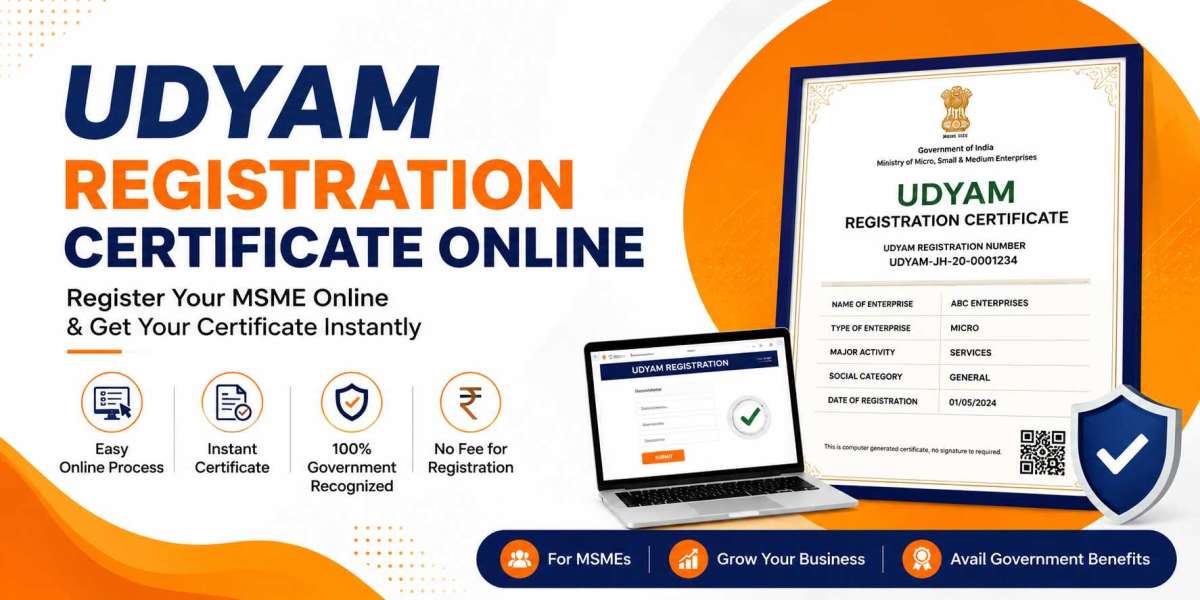

For a first-time entrepreneur, the Udyam Registration Certificate is the starting point of formal business recognition in India. It's a free, online, self-declaration based process run by the Ministry of MSME that confirms your enterprise as a Micro, Small, or Medium unit. New founders use it to unlock bank credit, government tenders, and legal protection against delayed payments, without hiring a consultant or visiting any office.
What Is Udyam Registration and Why Should a New Entrepreneur Care?
If you just started a business, whether it's a small workshop, a home bakery, or a freelance design studio, the Udyam Registration Certificate gives it a legal identity under the MSME framework. Beginners often confuse this with company registration. It isn't. Company or firm registration creates your legal entity. Udyam registration recognises that entity as a small business eligible for government support.
New entrepreneurs skip this step often, thinking it applies only to factories or manufacturing units. That's not true. Service businesses, traders, and even one-person consultancies qualify, as long as investment and turnover fall within MSME limits.
What Benefits Does an Entrepreneur Get from The Udyam Certificate?
A fresh business carries risk, and lenders know that. A Udyam Registration Certificate reduces that risk perception and gives founders real advantages:
- Loans under priority sector lending, often at lower interest
- Collateral-free credit through government-backed guarantee schemes
- Protection against buyers who delay payment beyond agreed terms
- A reserved share in government tenders meant for small businesses
- Reduced fees on patent, trademark, and industrial certifications
- Certain income tax exemptions for eligible enterprises
For someone bootstrapping a new venture, these aren't small perks. They can decide whether a business survives its first two years.
How Does a Beginner Register on the Udyam Portal?
The process was built to be simple, even for someone with zero paperwork experience. Here's how it works:
- Go to the official Udyam Registration portal online.
- Enter the Aadhaar number of the business owner or authorised partner.
- Verify identity using the OTP sent to the Aadhaar-linked mobile number.
- Add PAN details, business name, organisation type, and bank account information.
- Fill in the business address, employee count, and machinery or equipment investment.
- Select the correct NIC code describing your main business activity.
- Submit the application to receive your Udyam Registration Number right away.
The certificate reaches your registered email once the system completes verification, usually within the same day.
What Documents Should a First-Time Applicant Keep Ready?
Entrepreneurs applying for the first time don't need a stack of files. Keep these on hand:
- Aadhaar card of the proprietor or authorised signatory
- PAN card linked to the business
- Active bank account number and IFSC code
- Proof of business address
- Rough investment figures for equipment or machinery
- Since Aadhaar and PAN verification pulls most data automatically, document uploads stay minimal.
How Are New Businesses Classified Under MSME Rules?
Classification depends on two numbers every entrepreneur should track from day one: investment in plant, machinery, or equipment, and annual turnover. Based on these, a business becomes:
- Micro Enterprise – lowest investment and turnover slab
- Small Enterprise – mid-level investment and turnover
- Medium Enterprise – highest slab within MSME limits
Founders should track their yearly numbers closely, since crossing a slab shifts eligibility for certain subsidies.
How Can a New Entrepreneur Track or Download the Certificate?
Once submitted, applicants can check status on the Udyam portal using their reference number. After approval, the certificate downloads as a PDF using the Udyam Registration Number and the Aadhaar-linked mobile number.
New founders should store this file safely. Investors, banks, and vendor onboarding teams frequently request it during due diligence.
Mistakes First-Time Applicants Should Avoid
Beginners tend to repeat the same errors during registration:
- Filing with a name that doesn't match across Aadhaar and PAN
- Picking a generic or incorrect NIC code
- Leaving bank details blank or entering typos
- Using a mobile number not linked to the Aadhaar card
- A careful first pass saves weeks of back-and-forth later.
Want to correct mistakes Udyam registration certificate? You can easily Update udyam registration certificate from the udyam portal.
Summary
For a new entrepreneur, the Udyam Registration Certificate works as an early foundation stone, one that brings credibility with banks, buyers, and government departments. The online process needs just Aadhaar, PAN, and basic business details, and it costs nothing. Founders who register early position their business for loans, tenders, and legal protections from the very first year of operation.
Frequently Asked Questions
Is Udyam Registration mandatory for a new startup?
It isn't legally mandatory, but skipping it means losing access to MSME loans, subsidies, and tender reservations.
Can a sole proprietor apply without a separate business PAN?
Yes. A sole proprietor can use their personal PAN and Aadhaar for registration.
How soon after starting a business should an entrepreneur register?
Registration can happen anytime after the business begins operations. Earlier registration means earlier access to benefits.
Does Udyam Registration require a physical office address?
No. Home-based businesses and freelancers can register using their residential or work address.
Can the certificate details be updated as the business grows?
Yes. Entrepreneurs can log in and update turnover, investment, or activity details on the portal whenever changes occur.